
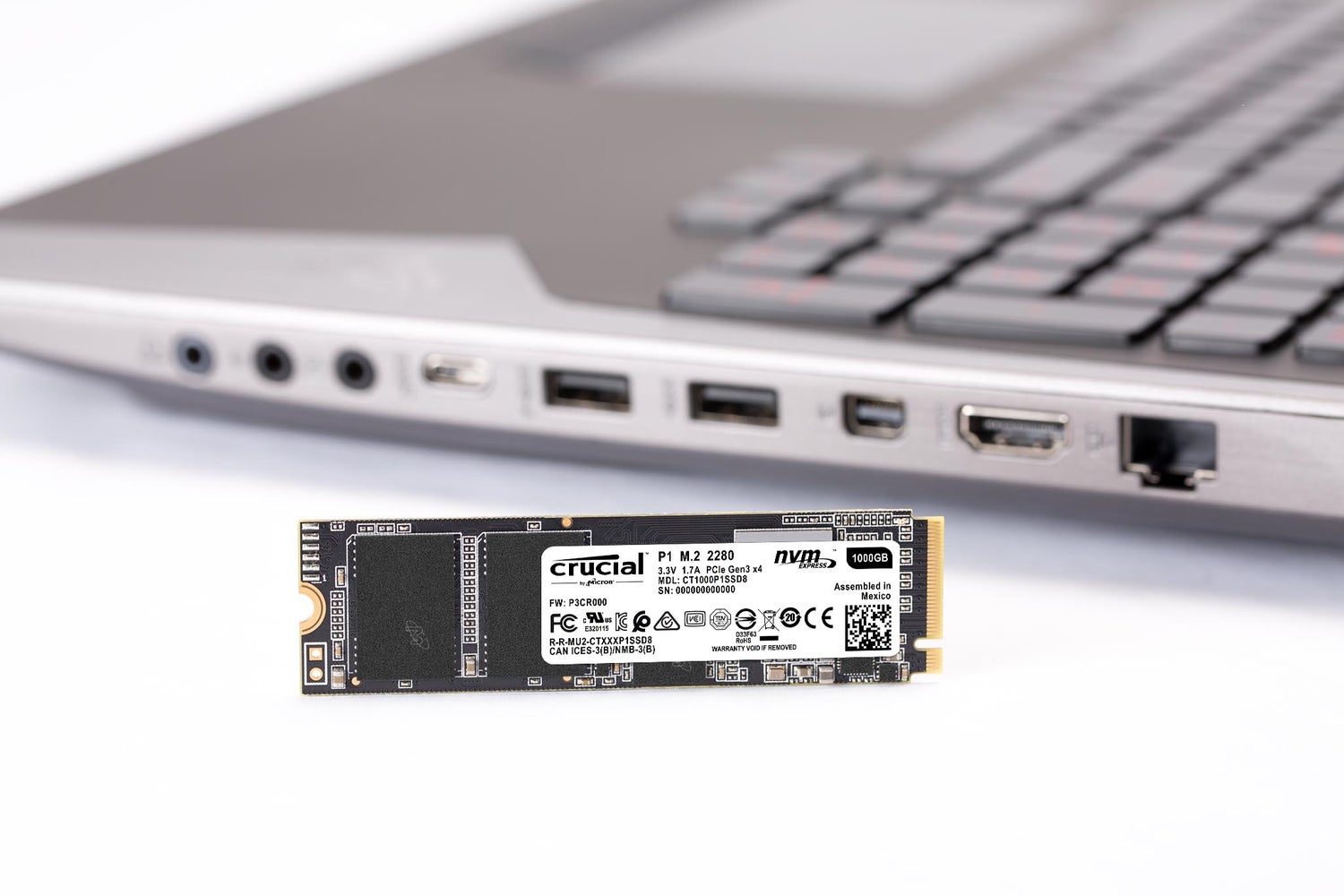
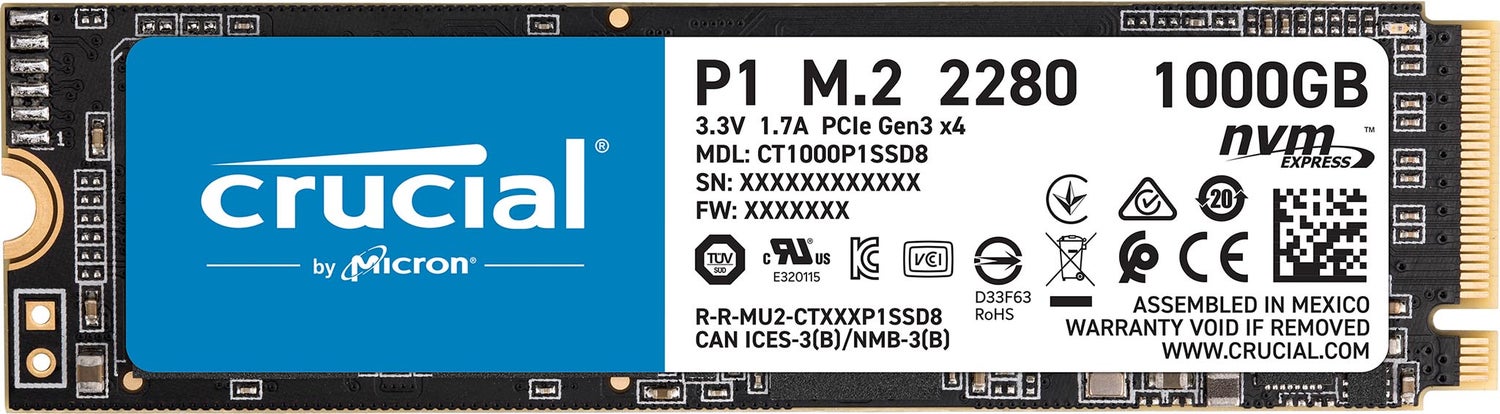
P1 SSD firmware updates
Version P3CR013
Released July 23, 2019
This firmware update addresses the following items:
- Optimized behavior in Link Power Management.
- Improved background garbage collection methodology
- Improved thermal management
- Implemented NGUID and EUI64 NVMe Identifiers.
Warning: Crucial recommends that you back up or make copies of all important files before installing this firmware update. This firmware updated is done entirely at your own risk. If performed correctly, there will be no loss of system or user data currently stored on the drive. However, if the firmware process is interrupted, your solid state drive might not function properly. If the firmware update is done on a notebook computer, Crucial recommends that the computer is plugged in to avoid interruption.
NVMe SSD driver for Windows OS
NVMe SSD Driver enables additional management and support features for Micron and Crucial SSDs in Windows Operating Systems.
The NVMe drivers included with Windows are sufficient for most desktop users. Installation of this optional driver is primarily useful for troubleshooting SSD performance, or for certain Storage Executive functions.

Optimization and update utility
Storage Executive optimizes and updates your Crucial SSDs on Microsoft Windows computers. Supported drives: Crucial X10 Pro, X9 Pro, X9, X8, X6, P-series, T-series, T500, MX-series, BX-series, M550, and M500 SSDs
Storage Executive only available for 64-bit systems.
Installation and warranty
Our easy install guide
Follow our step by step guide to make installation easy:
Preparation
Physical installation of your SSD
Installation of Crucial Storage Executive
Cloning using Acronis