
Crucial MX500 firmware updates
Crucial offers firmware upgrade options for the MX500, depending on what firmware is currently on your system.
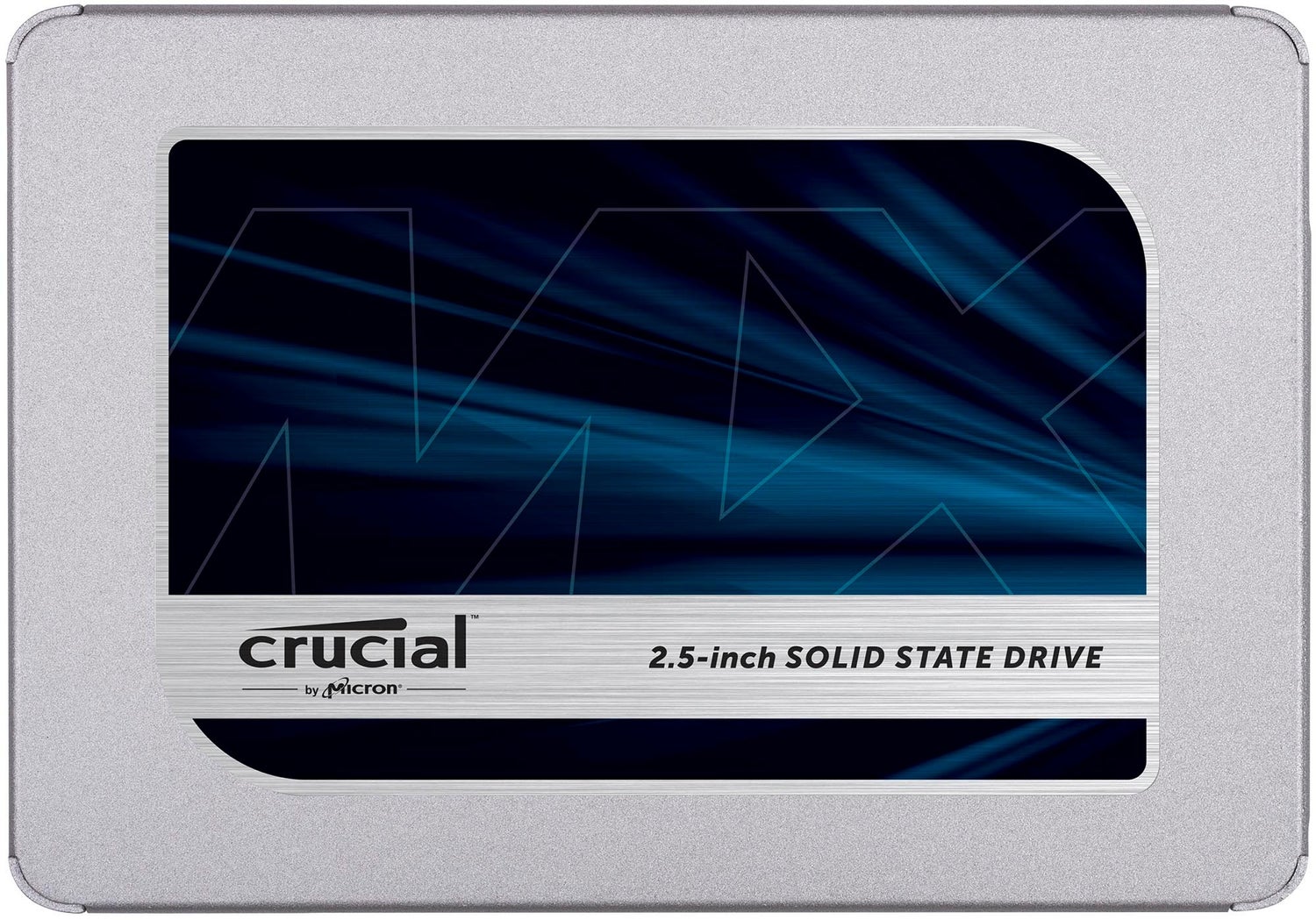
The firmware that was loaded on your SSD is listed on the product label. You can also find the firmware version through the Control panel (Windows) or About this Mac (Apple) information.
How to Find Your Firmware Revision for Windows®
How to Find Your Firmware Revision (Mac ®)
Firmware options
M3CR010 > M3CR023
The M3CR023 firmware is compatible with all drives shipped with firmware other than M3CR032.
- This firmware will update the MX500 SSD to version M3CR023.
Version M3CR023 (All form factors)
M3CR020 > M3CR023
Version M3CR023:
The M3CR023 firmware is compatible with all drives shipped with firmware other than M3CR032.
- This firmware will update the MX500 SSD to version M3CR023.
Version M3CR023 (All form factors)
M3CR033 is the latest update for your drive.
M3CR032 > M3CR033
Version M3CR033:
The M3CR033 firmware is only compatible with drives that shipped with M3CR032.
This firmware will update the MX500 SSD from version M3CR032 to M3CR033. If your SSD has version any version besides M3CR032, this firmware update is not applicable and not necessary. M3CR033 includes the following changes:
- Fixed SATA protocol error that causes start-up failure on certain data center RAID systems
- Improved boot time after unexpected power loss
- Fixed Read DMA command abort after an interrupted Secure Erase
Version M3CR033 (All form factors)
M3CR042 > M3CR046
Version M3CR046:
- M3CR046 is an optional update which repairs a hang condition occurring under corner-case workloads. Most Windows desktop and notebook users will be unaffected by this change. is an optional update which repairs a hang condition occurring under corner-case workloads. Most Windows desktop and notebook users will be unaffected by this change.
Version M3CR046 (All form factors)
M3CR043 > M3CR046
Version M3CR046:
- M3CR046 is an optional update which repairs a hang condition occurring under corner-case workloads. Most Windows desktop and notebook users will be unaffected by this change. is an optional update which repairs a hang condition occurring under corner-case workloads. Most Windows desktop and notebook users will be unaffected by this change.
Version M3CR046 (All form factors)
M3CR044 > M3CR046
Version M3CR046:
- M3CR046 is an optional update which repairs a hang condition occurring under corner-case workloads. Most Windows desktop and notebook users will be unaffected by this change. is an optional update which repairs a hang condition occurring under corner-case workloads. Most Windows desktop and notebook users will be unaffected by this change.
Version M3CR046 (All form factors)
M3CR045 > M3CR046
Version M3CR046:
- M3CR046 is an optional update which repairs a hang condition occurring under corner-case workloads. Most Windows desktop and notebook users will be unaffected by this change. is an optional update which repairs a hang condition occurring under corner-case workloads. Most Windows desktop and notebook users will be unaffected by this change.
Version M3CR046 (All form factors)
M3CR046 is the latest update for your drive.
Warning: Crucial recommends that you back up or make copies of all important files before installing this firmware update. This firmware updated is done entirely at your own risk. If performed correctly, there will be no loss of system or user data currently stored on the drive. However, if the firmware process is interrupted, your solid state drive might not function properly. If the firmware update is done on a notebook computer, Crucial recommends that the computer is plugged in to avoid interruption.

Optimization and update utility
Storage Executive optimizes and updates your Crucial SSDs on Microsoft Windows computers. Supported drives: Crucial X10 Pro, X9 Pro, X9, X8, X6, P-series, T-series, T500, MX-series, BX-series, M550, and M500 SSDs
Storage Executive only available for 64-bit systems.
Installation and warranty
Our easy install guide
Follow our step by step guide to make installation easy:
Preparation
Physical installation of your SSD
Installation of Crucial Storage Executive
Cloning using Acronis